Alarm troubleshooting and wake-up guides
Check a quiet or missed alarm, understand overnight sound modes, or set up a reusable alarm routine.
Fix an alarm problem
Android alarm not ringing?
Separate a missed trigger, a silent ring and a missing screen, then check the relevant settings.
Read the checklist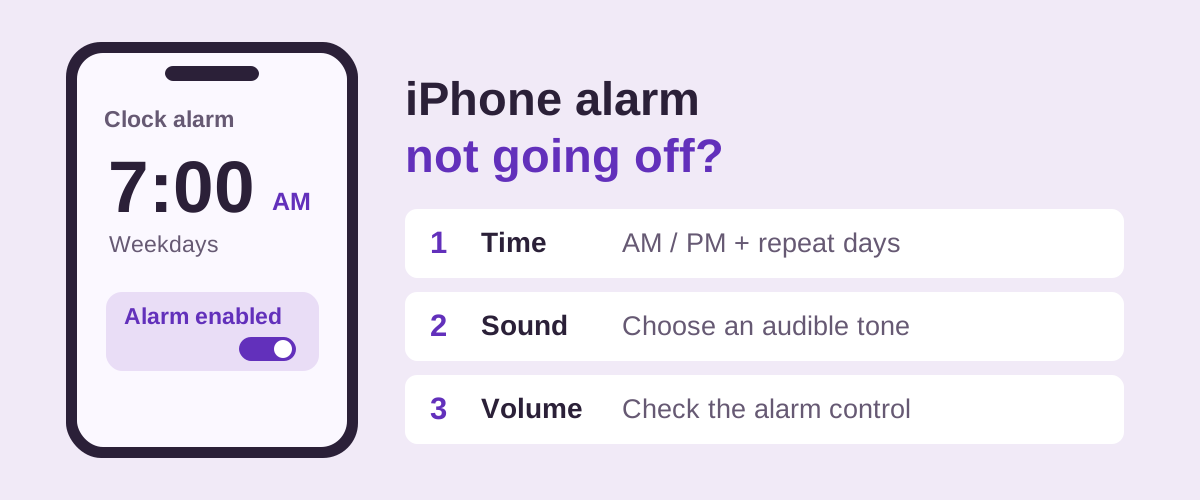
iPhone alarm not going off?
Check seven settings and steps in Apple Clock, including alarm volume and Sleep/Wake Up, then try a locked-screen test.
Check iPhone alarms
Why is my alarm so quiet?
Find the right volume control on iPhone or Android and check the sound and gradual start.
Check alarm volume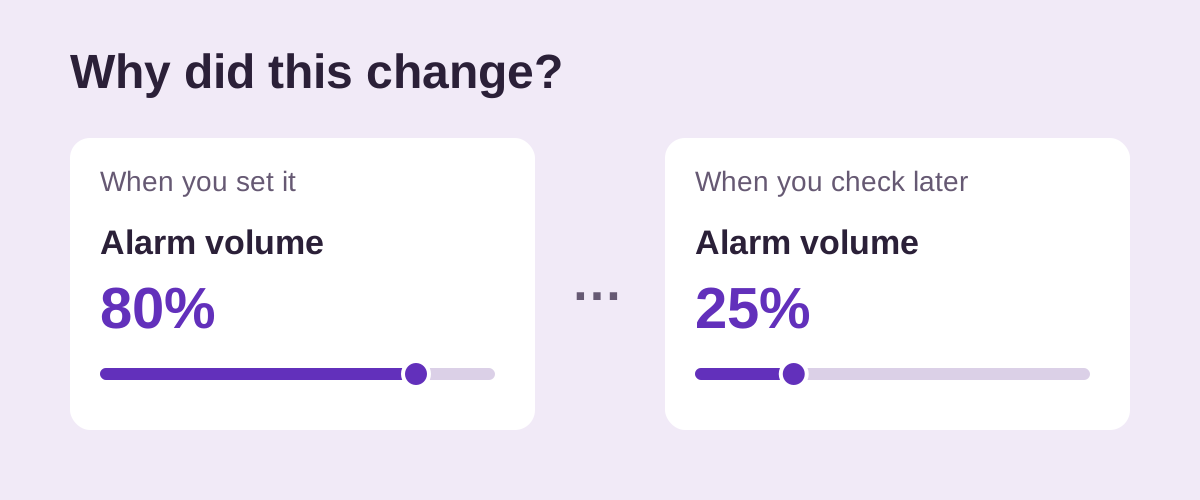
Why does my alarm volume keep turning down?
Check whether the saved slider moved, what the buttons change and whether the ring starts gradually.
Find what changed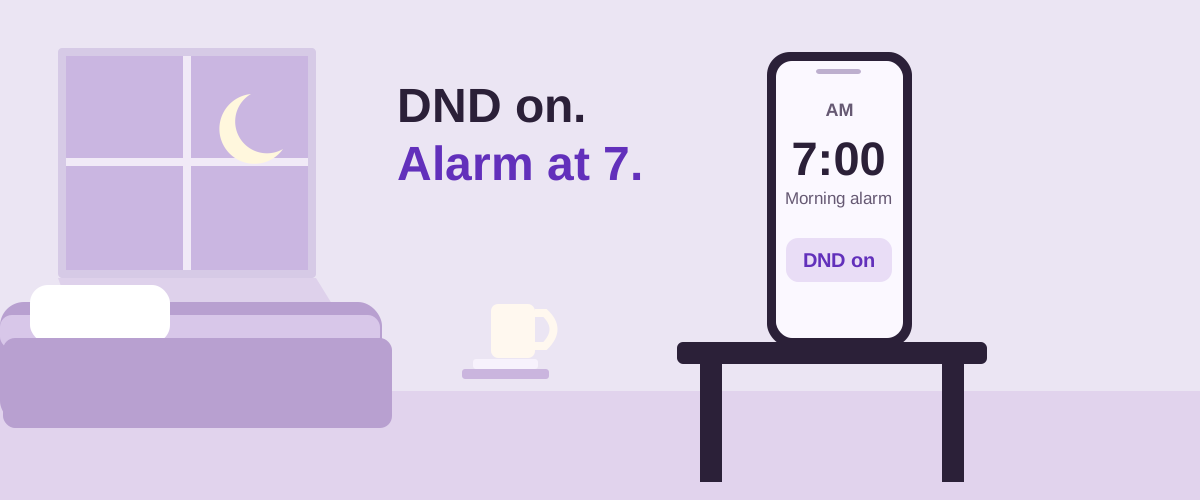
Will my alarm go off on Do Not Disturb?
Apple Clock sounds with DND. On Android, check the active mode's allowed interruptions.
Check DND behavior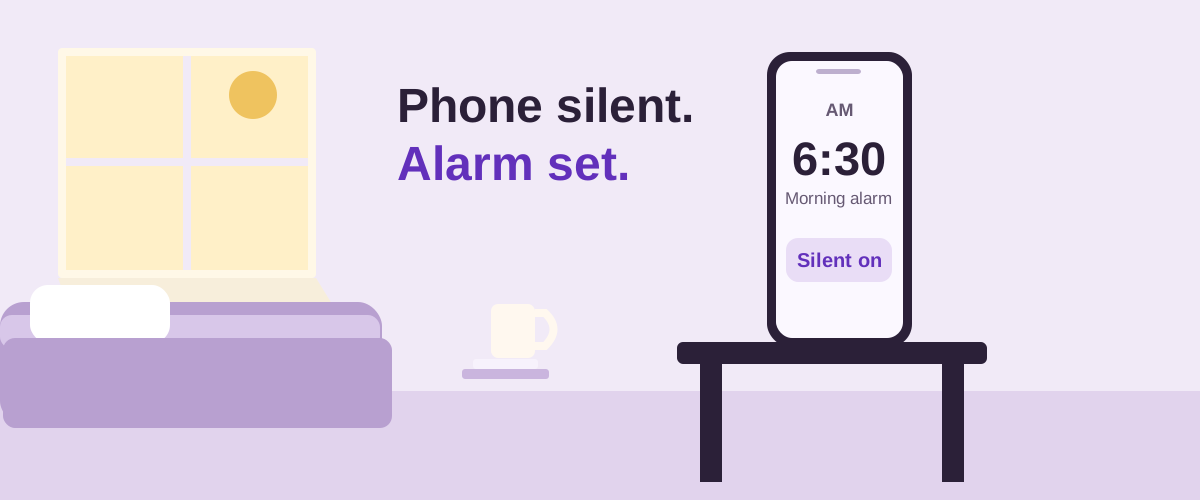
Will my alarm go off on silent mode?
Understand the difference between silent ring mode and alarm volume, including Samsung's Clock option.
Check silent modeAlarm setup and app guides
Create and control multiple alarms at once
Set a first time, alarm count, and gap, then manage the whole morning together.
Read guideHow to group multiple alarms together
Turn a long list of separate alarms into reusable routines you can manage together.
Read guideHow to set alarms every 5 minutes
Add each time in Google Clock, or create the sequence together as a BlockWake Alarm Set. Check Snooze before bedtime.
Read guideDo you set many alarms to wake up?
Review your alarm times, repeat days and snoozes before adding more alarms.
Read guideAlarm clock with challenges: which one suits you?
Compare Math, Hold, Maze and Tic-Tac-Toe as tasks to complete before stopping an alarm.
Read guideHow to set up challenges on your alarm clock
Set a challenge for one alarm or choose a default for an Alarm Set.
Read guideAlarmy alternatives: what are your options?
Compare Alarmy and BlockWake on grouped alarms, wake-up challenges, ads and payment options.
Read guideAlarm app with no subscription: what do you get?
What BlockWake includes free and what its optional one-time Pro purchase adds.
Read guideHow to choose the best alarm clock for your routine
Compare repeating alarms, grouped routines and Stop controls, then test your choice on your phone.
Read guideHow to use multiple alarms for heavy sleepers
Choose a final wake-up time, space follow-up alarms and check whether they ring.
Read guideHow to stop snoozing through alarms
Try a different Stop action and plan what you'll do as soon as the alarm stops.
Read guide