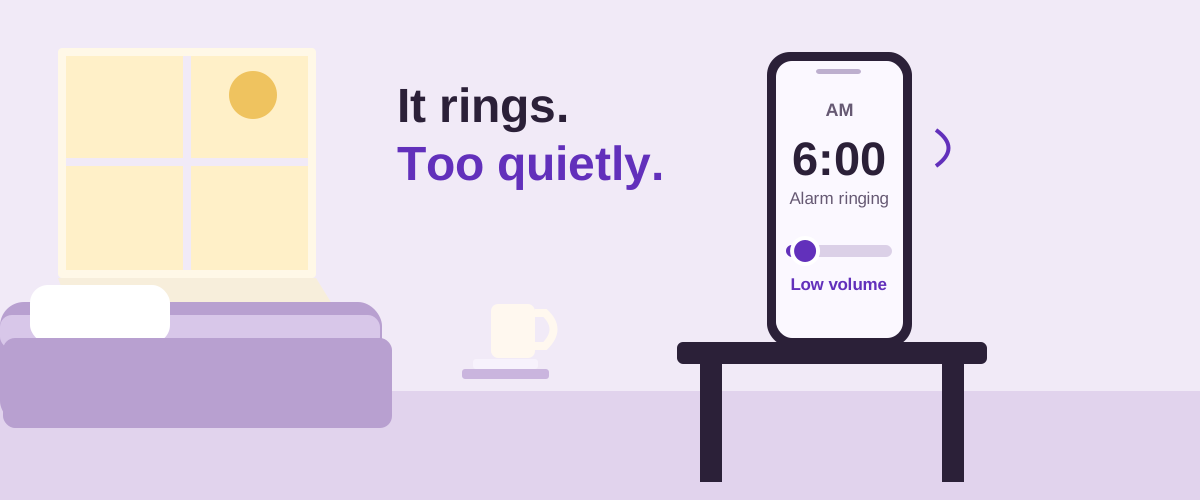
Why is my iPhone alarm so quiet?
For a regular Apple Clock alarm, open Settings, then Sounds & Haptics. Apple's alarm support guide describes the Ringtone and Alerts slider. Raise it to a level you can comfortably hear, then preview the alarm's sound in Clock. A sound set to None will not give you an audible ringtone.
If your version shows Alarms and Timers with Match Ringtone Volume, check that section too. Apple's current sound-settings guide describes a separate alarm-and-timer level when matching is turned off. Use the controls actually shown on your iPhone.
Using a Sleep/Wake Up alarm?
Open Clock, Alarms, then Change beside the wake-up schedule. Scroll to Alarm Options and adjust its volume slider. Apple documents this separately in the wake-up alarm instructions. Choose whether the edit applies only to the next alarm or to the recurring schedule.
If the correct level later becomes lower, check Change with Buttons. That is a different problem from an alarm that stays at the same low level; follow the guide to alarm volume changing.
Which volume control makes an Android alarm louder?
Look for the dedicated Alarm slider in the expanded volume panel or sound settings. Google's Android volume instructions list separate controls for media, calls, ring, notifications and alarms. A loud video does not establish that your Alarm level is high.
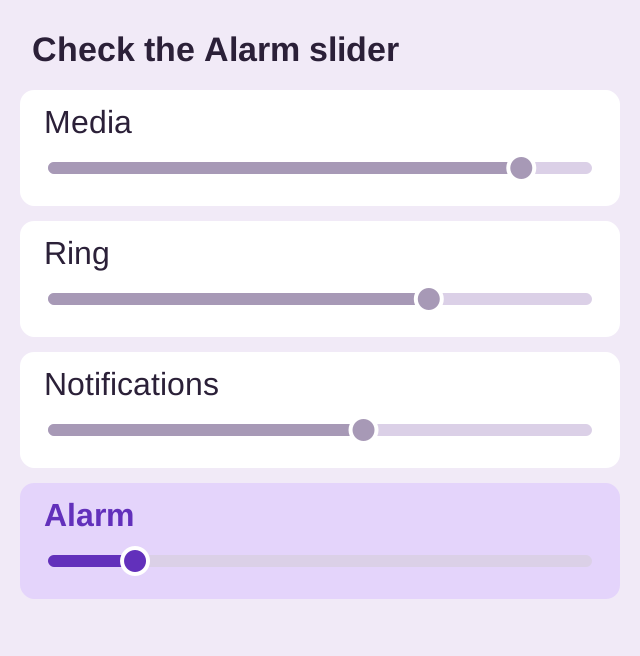
In Google Clock, open More, Settings, then adjust Alarm volume. The Clock settings documentation also lists Gradually increase volume. Other clock apps may put volume inside each alarm instead.
If there is no sound at all while Do Not Disturb is on, check whether the active mode allows alarms. Read how DND affects alarms rather than assuming the volume slider is the cause.
What if the volume is already high?
- Preview the exact tone. Choose one you can hear clearly from your bed. Compare another built-in tone if the current one starts softly.
- Check gradual volume. A quiet start that gets louder is different from a saved level that keeps dropping. Listen long enough to assess the setting.
- Test where you leave the phone. Use its normal charging position and keep the speaker unobstructed.
Do not assume headphones divert an Apple Clock alarm away from the phone: Apple says it also plays through the built-in speakers. For another app or Android device, test your actual accessory setup rather than borrowing that guarantee.
How do I check the fix before bedtime?
Create a temporary alarm a few minutes ahead using the same sound and gradual-volume setting. Lock the phone, leave it in its normal place, and listen from bed. Remove the test afterward. If an Android alarm never triggers, use the Android alarm-not-ringing checklist; that covers scheduling and permissions.
If you hear it but dismiss it while sleepy: louder sound may not address the interaction. BlockWake is an Android alarm clock with optional wake-up challenges, tasks completed before Stop dismisses the alarm. Math and Hold are included in Free. Snooze remains a separate control, and a challenge does not prove you will stay awake.
Try BlockWake FreeFree · No ads · No subscription
Quick answers
Does turning up media volume make my alarm louder?
Not necessarily. Check the alarm-specific control; a video or music preview can use a different level.
Does silent mode make an iPhone Clock alarm quiet?
Silent mode itself does not mute Apple Clock alarms. The selected sound and its volume still matter. See the iPhone and Android silent-mode comparison.
Why does the alarm start quietly and then get louder?
Check whether gradual volume is enabled in the app. Compare the beginning and the later ring before concluding that the saved volume changed.