
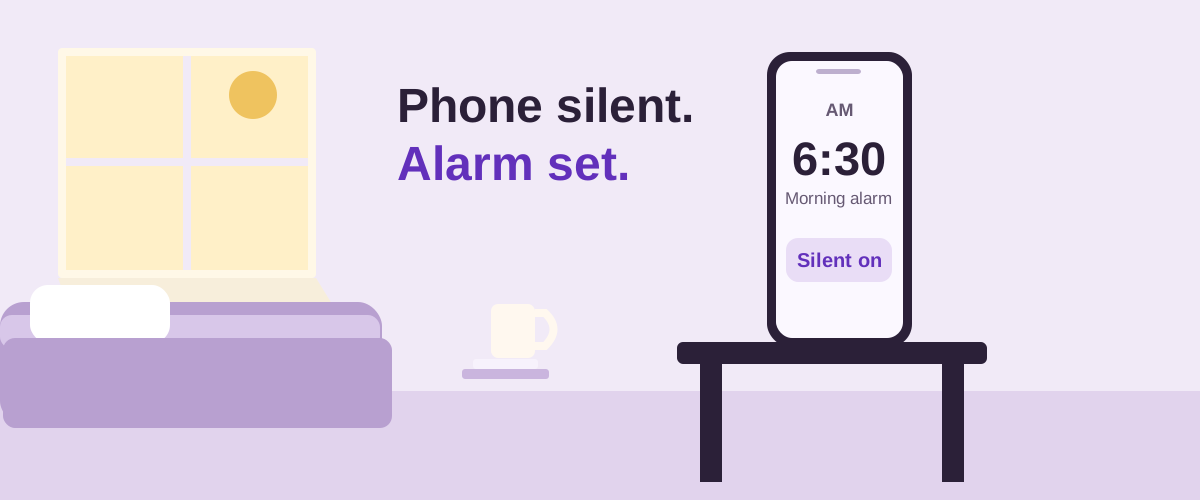
Will my iPhone alarm go off with the silent switch on?
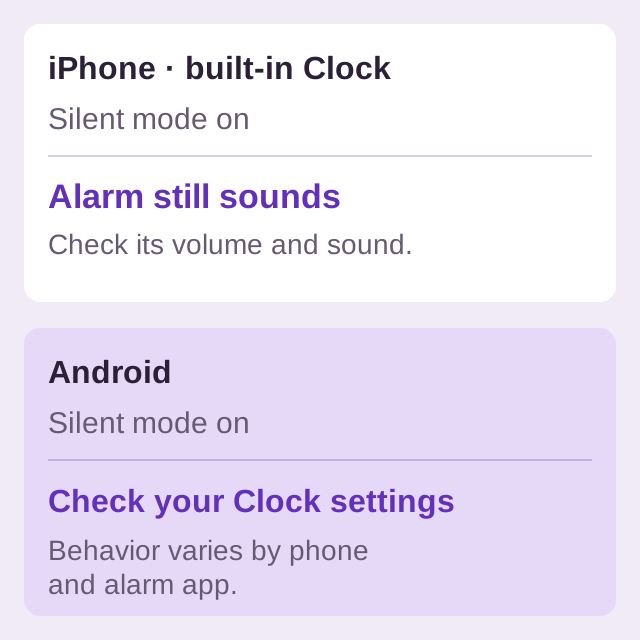
Yes, for the built-in Clock. Apple's Silent mode instructions explicitly say Clock alarms still play through the built-in speaker. Whether you enable Silent mode with the Ring/Silent switch or an Action button does not turn that alarm into a silent notification.
This answers the sound-mode question, not whether the alarm is configured correctly. Check its enabled state, AM/PM time, repeat days and selected sound. A very low alarm level can still leave it hard to hear; the quiet-alarm guide explains the volume controls, including the separate Sleep/Wake Up alarm.
If you use another iPhone alarm app, follow that app's current instructions. Apple's statement about Clock should not be used as a guarantee for a different implementation.
Does an Android alarm ring on silent?
There is no single answer for every Android clock app. Google's sound-settings guide separates the ring-mode control from the Alarm volume slider. Check the Alarm level, then review the alarm's own sound settings.
Samsung Clock has an additional setting
In Samsung Clock, go to the Alarm tab, open More options, then Settings, and look for Silence alarms when system sound is off. Samsung documents that this option can silence alarms when the device's sound is turned off. If you want them audible in that state, turn it off and test. See Samsung's official alarm instructions.
That is a Samsung Clock option, not a setting every Android alarm app shares. Google Clock provides its own Alarm volume and sound controls; consult its Clock settings guide for their location.
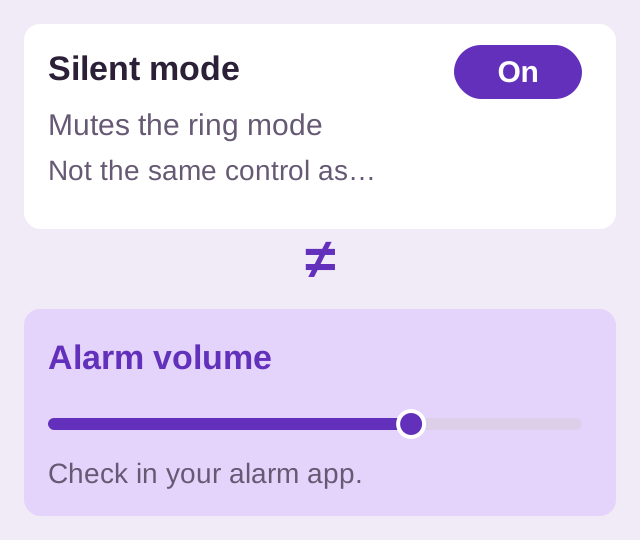
Why is silent mode different from Alarm volume?
Silent mode controls the phone's ring behavior. Alarm volume is the level used for the alarm's sound. They are different controls, even where a clock app has an option that links their behavior.
Do Not Disturb is separate again. It uses interruption filters. If the phone is both silent and in DND, inspect both settings. The DND alarm guide explains why an Android mode can block alarms.
How can I check before relying on the morning alarm?
- Enable the silent mode you intend to use overnight.
- Set a temporary alarm a few minutes ahead with a sound you recognize and an audible Alarm level.
- Lock the phone and leave it in its normal charging position.
- Check whether it sounds, then remove the temporary alarm.
If it never rings in either sound mode, follow the Android troubleshooting checklist. That keeps volume, scheduling and lock-screen display issues separate.
On Android, BlockWake lets you create multiple alarms as an Alarm Set: a reusable group made from a first time, alarm count and interval. Grouping helps organize a routine; it does not bypass muted sound or blocked permissions. Review the relevant Android setup and test before relying on it.
Try BlockWake FreeFree · No ads · No subscription
Quick answers
Can I silence calls and still hear an iPhone Clock alarm?
Yes. Silent mode does not mute the built-in Clock alarm. Set its sound and volume separately.
Why did my Samsung alarm stay silent?
Check the alarm's sound and volume, then the Clock option that silences alarms when system sound is off. If DND was also active, review its alarm allowance.
Does silent mode explain a volume slider changing?
They are different settings. If the saved level has dropped, check volume-button behavior and the changing-volume checklist.