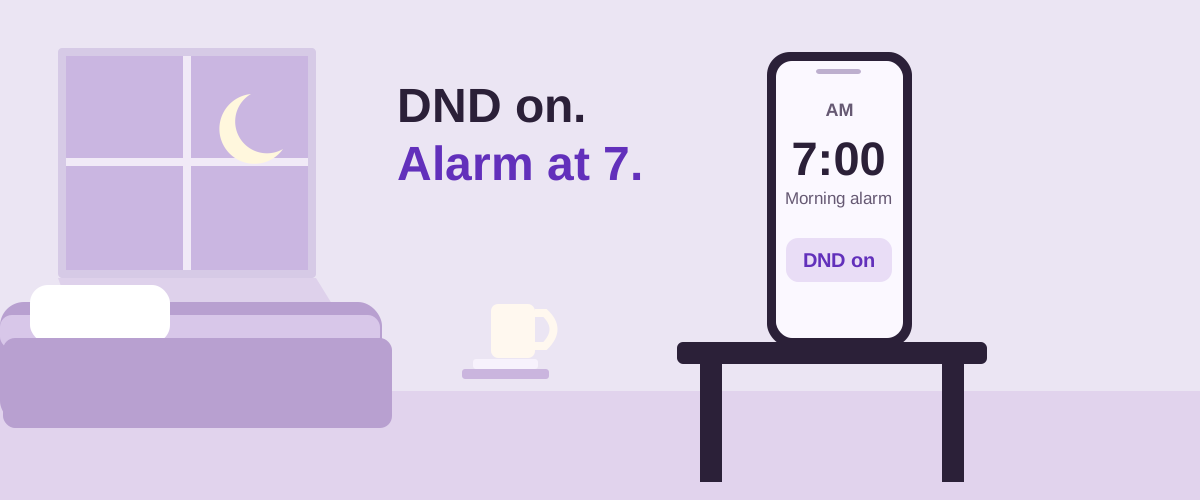
How do iPhone and Android alarms differ with DND?
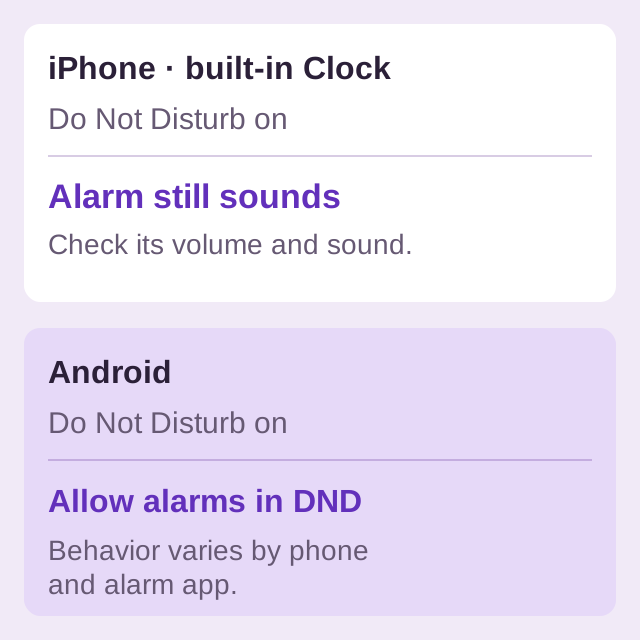
Apple explicitly lists Do Not Disturb and other Focus modes among the settings that do not stop its Clock alarm from sounding. That statement applies to Apple Clock, as described in the iPhone alarm guide. It does not establish the behavior of every third-party alarm app.
On Android, Google documents a mode filter that can allow or block alarms. Menu names vary by manufacturer and version. You need to inspect the mode you actually use overnight, rather than assuming every DND configuration treats alarms the same way. See Google's Modes and Do Not Disturb instructions.
How do I allow alarms through Android Do Not Disturb?
- Open Settings and find Modes or Do Not Disturb.
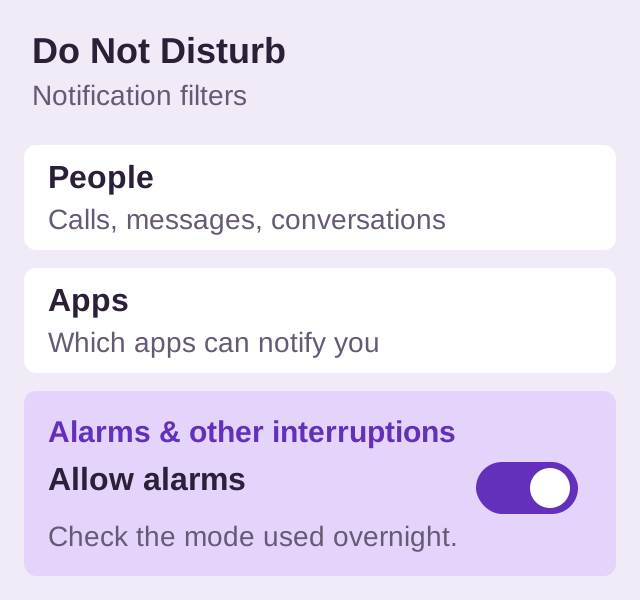
- Select the mode used at night. On the Android interface documented by Google, its Notification filters include Alarms & other interruptions.
- Allow Alarms. Review an automatically scheduled Bedtime or other mode separately if you use one.
- Leave that mode on and run a short alarm test with the phone locked.
Google Clock's alarm troubleshooting instructions include a warning for DND having silenced an alarm. If you see it, review the allowed interruptions. If the mode allows alarms but the ring is too faint, use the alarm-volume checks.
Does allowing an app's notifications guarantee its alarm will ring?
No. Treat the app's instructions and a real test as separate checks. On Android, a scheduled alarm also depends on the relevant scheduling access and background conditions. A notification allowance alone does not verify those.
BlockWake is an Android alarm clock with setup guidance for relevant permissions, volume and battery controls. Start with BlockWake's Android alarm reliability overview. If an alarm never triggers or its ringing screen is missing, the symptom-based Android checklist explains which setting to investigate.
Try BlockWake FreeSet a temporary alarm and test with your overnight mode on.
What should I test before going to sleep?
Enable the same DND or Bedtime mode you plan to use overnight. Set an alarm a few minutes ahead, keep its intended sound and volume, then lock the phone. Note whether it sounds and whether the alarm controls appear. Delete the test alarm afterward.
If the alarm works with DND off but not with it on, return to that mode's filters. If it fails in both conditions, investigate the alarm setup rather than changing every DND option. Silent ring mode is another setting; see whether alarms work on silent mode.
Quick answers
Does Sleep Focus stop the iPhone Clock alarm?
Apple's Clock guide says alarms sound with a Focus enabled. If you use the Health sleep schedule's Wake Up alarm, check that alarm's own volume and enabled state.
Do Android alarms always ring through DND?
No. Android's documented filters can block alarms. Check the active mode and your alarm app.
Is silent mode the same as Do Not Disturb?
No. Silent mode changes the phone's ring behavior; DND uses interruption filters. Inspect the setting that was active when the alarm failed.